This article will provide a solution to help you save your customer credit card for next payment.
Limitation of Odoo
-
By default in Odoo, only portal users can save their credit card information as a payment token on the portal.
-
Sometimes you may want to proactively save a customer’s card information for recurring invoices or subscriptions, but Odoo does not provide a feature that allows you to do that.
Solutions
- With our solution, your can easily save customer card details from the contact form view.
- This is especially useful when a customer does not have a portal account but has recurring invoices or subscriptions.
- You can collect their card details and save them as a payment token without waiting for them to save it from the portal.
Configuration
- Goto Access Right to enable “Able to save customer credit card” option.
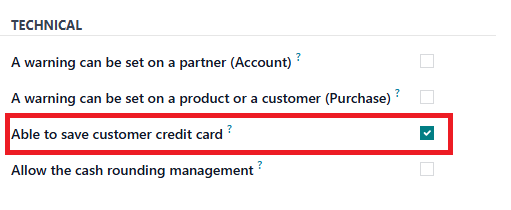
Able to save customer credit card
Save Payment Token
- After enable “Able to save customer credit card” option. Goto to contact form view.
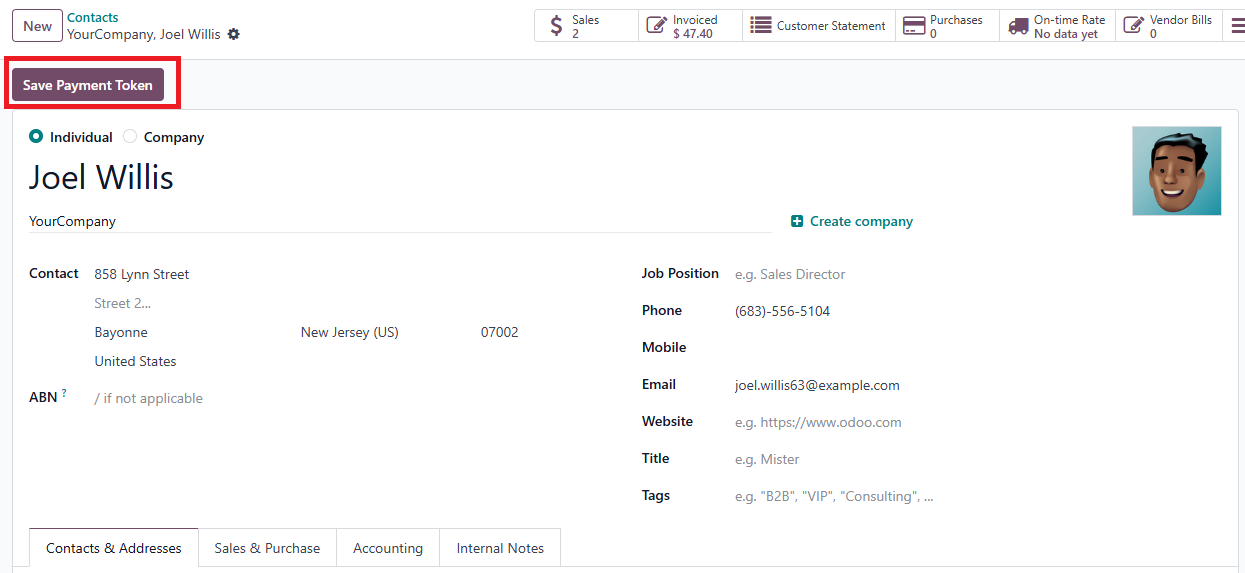
Save Customer Credit Card - Click on the “Save Payment Token” button. A popup will be shown.
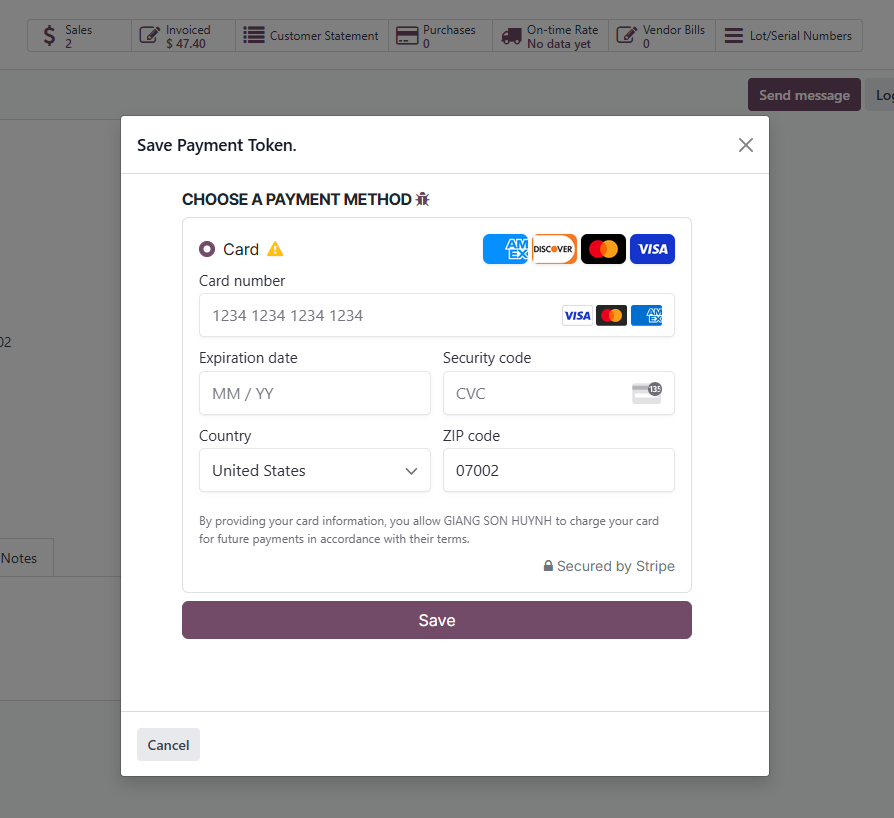
Input Customer Credit Card
Purchase App
- You can purchase this app from the link below.
https://apps.odoo.com/apps/modules/19.0/save_payment_token
- Or send me an email to get a best price. huynh.giang.son.gs@gmail.com