Article overview
This article will provide a solution to prevent duplicate customer PO numbers for sales orders.
Detailed content
Limitation of Odoo
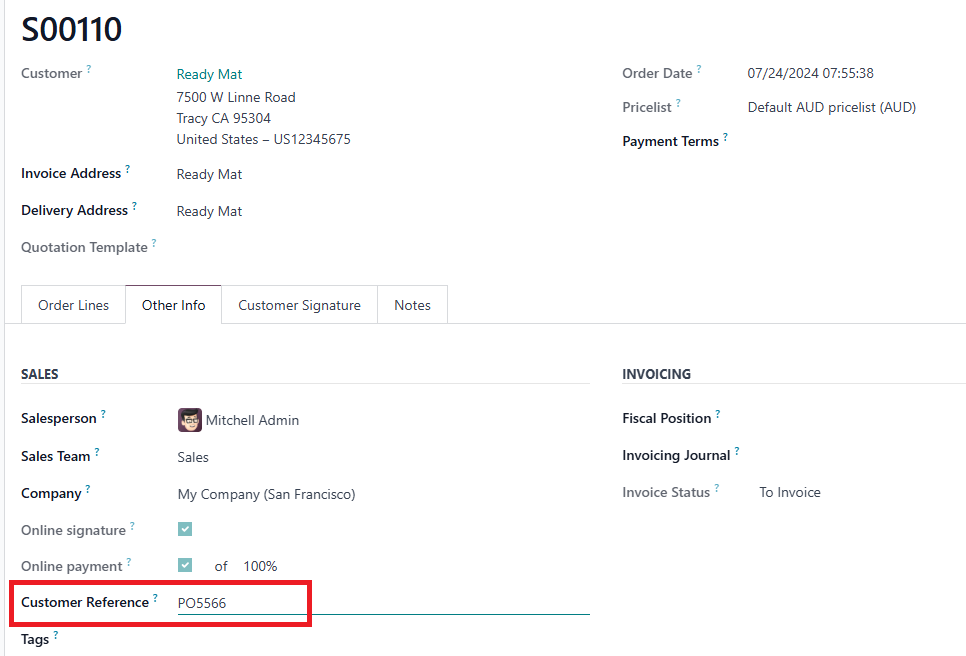
Here’s a scenario: A customer sends you a purchase order with the PO number 'PO123', and you create a sales order in Odoo with the same PO number.
However, a few days later, the customer mistakenly sends another purchase order with the same PO number 'PO123', containing identical items. If you don't recall the previous order and proceed to create another sales order, delivering both orders could lead to complications for both you and the customer.
There is currently no solution in Odoo to help you prevent this issue.
Solutions
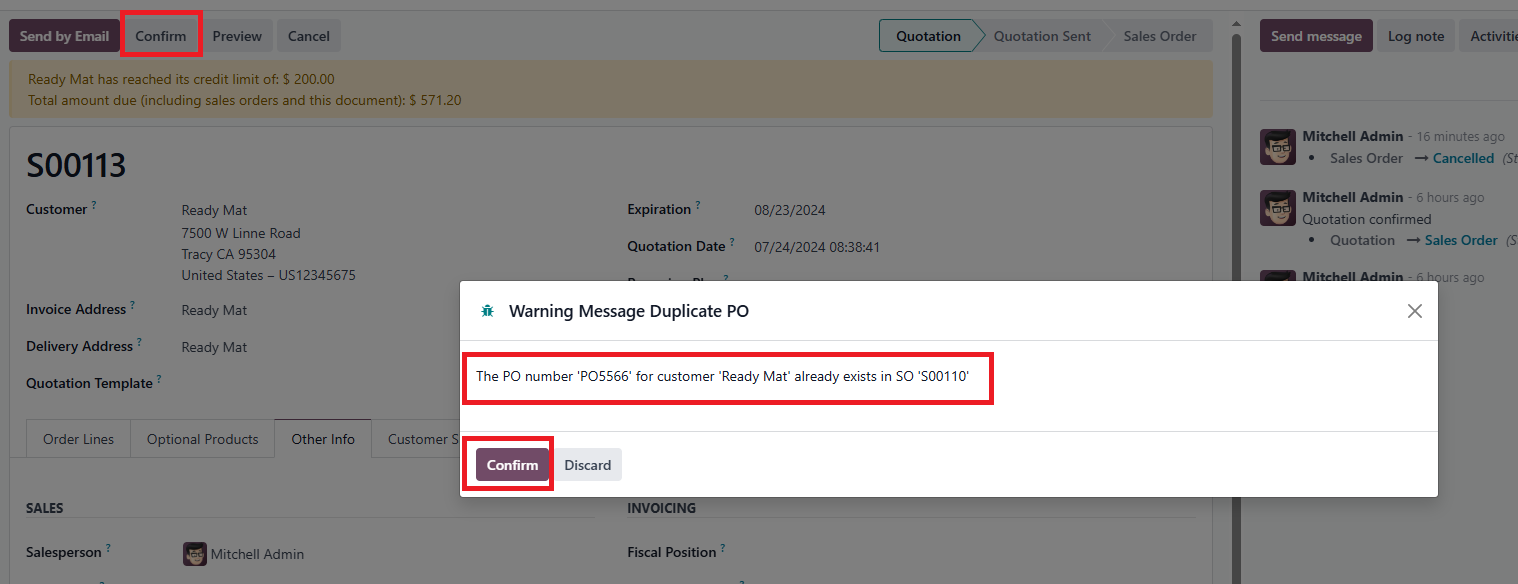
We offer a solution that will alert you if a sales order has the same PO number from the same customer.
Setting Po Number Field.
- Identify the field representing the customer PO number on the Sale Order.
- You can identify which field is the customer PO number on the Sale Order by yourself.
- Go to Sales -> Configuration -> Settings.
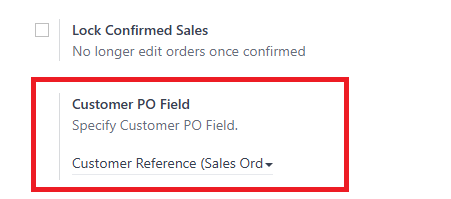
- After you save this setting, Odoo will treat this as customer po number on Sale Order.
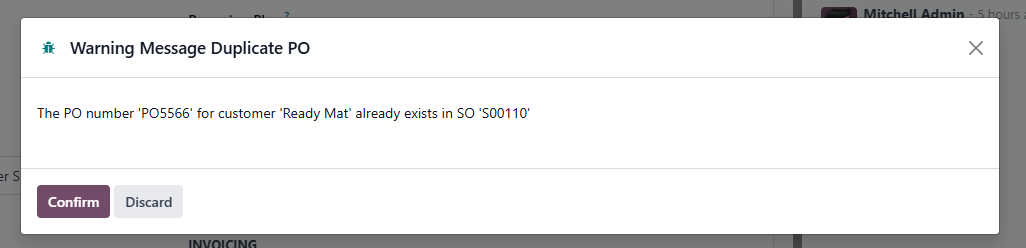
Show warning message.
- When sale order is confirmed, a waring message will be shown if PO number already existed for the same customer.